
If you want to earn money from home using skills you already have, freelancing for beginners is one of the most realistic places to start. You do not need a degree, an office, or a big starting budget. You need one useful skill, a clear offer, and a profile that makes a stranger feel safe hiring you.
This guide walks you through the whole path, step by step: choosing a skill, setting up your profiles, pricing your first jobs, and winning that first client. Freelancing for beginners works best when you treat it as a process, not a lottery. There are no fake income promises here — just the real system, plus the scams to avoid along the way.
What Is Freelancing, and How Do You Get Paid?
Freelancing means selling a service to clients project by project instead of working one full-time job. A business pays you to write an article, design a logo, edit a video, or manage its social media. When the job is done, you get paid and move on to the next one.
Most beginners find clients on marketplaces. These websites bring buyers and sellers together, hold the client’s payment safely, and release it when the work is approved. That built-in protection is exactly why freelancing for beginners usually starts on a platform instead of with strangers found on social media.
You can charge by the hour or set a fixed price per project. Either way, earnings vary a lot. Your income depends on your skill, your niche, how well you present yourself, and how consistently you apply for work. Anyone who promises you a set monthly income from day one is not being honest with you.
Step 1: Choose One Skill You Can Sell
The biggest beginner mistake is offering “a little bit of everything.” Clients hire specialists, not generalists with ten unrelated services. Pick one skill you can already do reasonably well, or one you can bring to a sellable level with a few weeks of focused practice.
Beginner-Friendly Services Worth Offering
- Writing and editing: blog posts, product descriptions, proofreading, resume writing.
- Design: social media posts, simple logos, presentations, thumbnails.
- Video and audio: short-form video editing, subtitles, podcast cleanup.
- Virtual assistance: email handling, research, scheduling, and admin support. Demand is steady, and many people break in through virtual assistant jobs from home because the tools are simple and the startup cost is zero.
- Web and tech help: WordPress setup, simple landing pages, spreadsheet work.
- Marketing support: social media management, basic SEO tasks, email newsletters.
You do not need to be an expert. You need to be good enough to deliver exactly what you promise, on time, every time. Choose the skill closest to your current job, your studies, or your hobbies. That head start matters far more than chasing whatever service looks trendy this month.
One quick self-check before you move on: can you show two or three sample pieces right now? If not, make them this week. Samples are your proof, and in freelancing for beginners, proof beats promises every single time.

Freelancing for Beginners: Set Up a Profile That Wins Trust
Start with one or two platforms, not five. The biggest names are Upwork, where you apply to posted jobs with proposals, and Fiverr, where you list packaged services called gigs and buyers come to you. A newer option, Contra, lets you build a portfolio profile and charges freelancers no commission. LinkedIn matters too: many clients check it before hiring, and some post freelance work there directly.
Whichever platform you choose, the profile basics are the same:
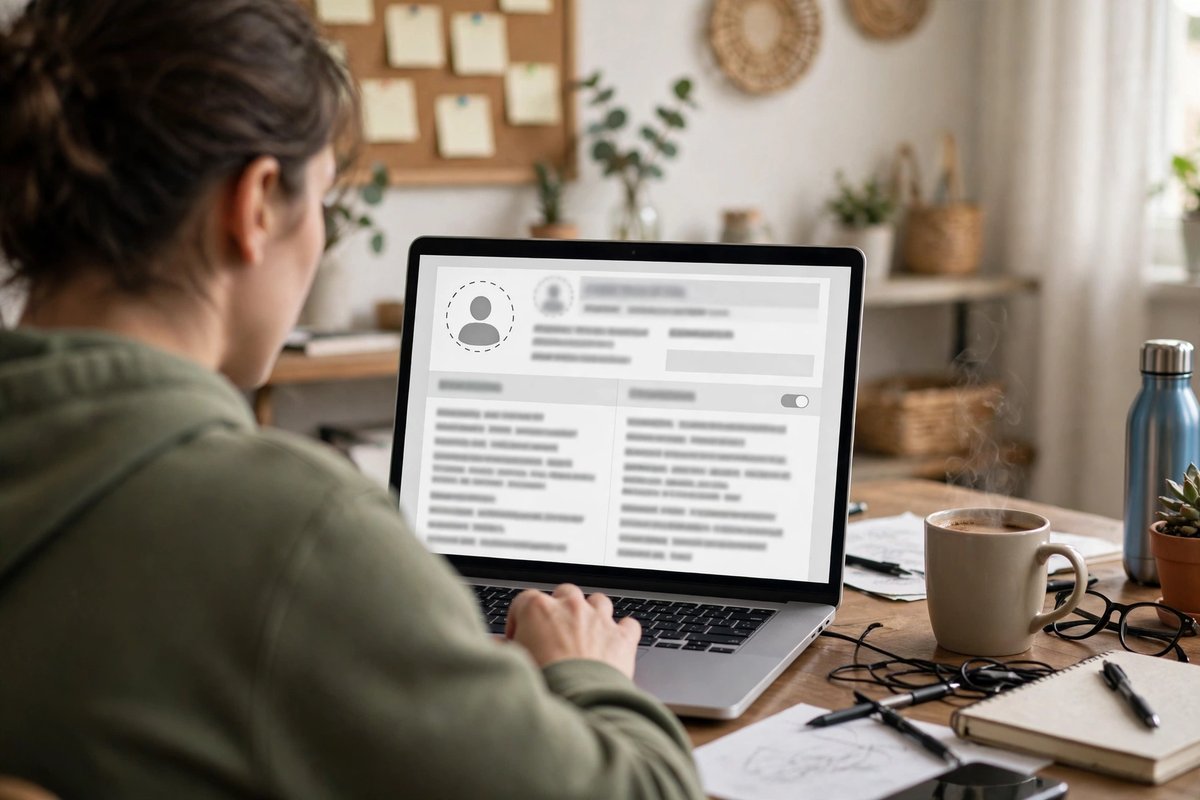
- Use a clear, friendly photo of your real face. Clients trust people, not logos or cartoons.
- Write a headline about the result, not your job title. “I edit short videos that hold attention to the last second” beats “Video Editor | Student | Hard Worker.”
- Describe who you help and how. Use two or three short paragraphs: the problem you solve, how you work, and what the client receives.
- Show samples. Upload your best two to four pieces. If you have no client work yet, create samples that look exactly like the jobs you want.
- Be honest about your experience. Saying you are new, careful, and quick to respond is fine. Inventing past clients, employers, or reviews is not — it breaks platform rules and can get your account banned for good.
On Fiverr, build each gig around one specific service and offer three packages — basic, standard, and premium — so buyers can compare easily. On Upwork, complete every section of your profile. A finished profile looks serious, and serious profiles get shown to more clients.
Step 3: Price Your Work the Smart Way
Pricing is where freelancing for beginners often goes wrong in both directions. Charge too much with no reviews and nobody bites. Charge too little and you burn out doing cheap work. The honest approach: price your first two or three jobs fairly but modestly, because they buy you reviews and proof — then raise your rates as your profile fills with completed work.
Before you set any price, know what each platform keeps:
- Upwork charges a freelancer service fee that varies by contract, between 0% and 15%. You see the exact percentage before you send a proposal, and it stays fixed for that whole contract. Sending proposals also costs “Connects” — extra Connects cost $0.15 each, and the free plan includes 10 per month.
- Fiverr keeps a flat 20% of every order. A $100 order pays you $80.
- Contra charges freelancers 0% commission, so the client’s payment is yours in full before any payment-processing costs on their side.
Simple math helps. If you want to keep about $80 from a job, price it near $100 on Fiverr, and on Upwork check the fee shown for that contract before you apply. Never price so low that platform fees and your hours make the job pointless.
One more pricing rule: quote a clear scope. “One 600-word blog post, one revision included, delivered in three days” prevents the endless extra requests that quietly eat your profit.
Upwork vs Fiverr vs Contra: Quick Comparison
| Platform | How You Get Work | Freelancer Fee | Best For |
|---|---|---|---|
| Upwork | Apply to job posts with proposals | 0%–15% per contract, shown upfront | Skilled services and longer projects |
| Fiverr | Buyers order your listed gigs | Flat 20% of each order | Packaged, clearly defined services |
| Contra | Clients browse your portfolio profile | 0% commission | Designers and creatives with strong samples |
No single platform is best for everyone. If you like pitching and bigger projects, start on Upwork. If your service fits into neat packages, start on Fiverr. If your work is visual, a Contra portfolio is worth building. Many beginners run one account on each of two platforms and keep whichever brings real replies.
Freelancing for Beginners: How to Get Your First Client
Your profile is live. Now comes the part everyone struggles with: the first client. Here is the honest truth about freelancing for beginners — that first client is not only buying your talent. They are buying low risk. Everything in this section reduces their risk of hiring you.
Write Proposals That Talk About the Client
On Upwork, skip the copy-paste applications that start with your life story. Read the job post carefully, then open with the client’s problem. In four to six short lines, name their project, explain your exact approach, point to one similar sample, and end with a simple question. Targeted proposals to well-matched jobs beat fifty random applications every time.
Apply early, answer messages fast, and save your Connects for jobs that truly fit your skill. Wasted Connects are wasted money, and a focused profile makes every proposal stronger.
Make the First Job Easy to Say Yes To
Offer a small, fixed-price starter job: one blog post instead of a monthly package, one edited video instead of a full channel contract. A small first order lets the client test you with little risk — and lets you earn the review that unlocks bigger work later.
Related Posts


Reaching beyond platforms helps too. Tell past employers, local businesses, and your LinkedIn network exactly what you now offer. Many first clients come from people who already know your name and have seen you work.
Still deciding whether freelancing fits you at all? It helps to see where it stands among other home-based options, so read through these 15 legit ways to make money from home and pick the path that matches your skills and your schedule.
Deliver Well, Then Ask the Right Way
Deliver slightly early, in the exact format requested, with a short and polite note. When the client is happy and the job is officially complete, it is perfectly fine to say you would appreciate an honest review. Never beg, never offer discounts in exchange for five stars, and never ask friends to place fake orders. Fake reviews break platform rules and can end your account.
Step 5: Deliver the Work and Get Paid Safely
Getting paid is where the platforms earn their fee. Here is how the money actually moves, so nothing surprises you:
- Upwork, fixed-price jobs: the client funds the milestone before you start, and the money sits in escrow. You submit the work, the client has up to 14 days to approve it (no response counts as approval), and after a 5-day security hold the money becomes available to withdraw.
- Upwork, hourly jobs: the desktop app’s Work Diary records your time, clients are billed weekly, and earnings become available after the standard review and security period.
- Fiverr: the buyer pays in full when ordering. After the order is complete, your earnings stay in a clearance period — 14 days for most sellers, 7 days for Top Rated sellers — before you can withdraw them.
- Withdrawals: depending on the platform and your country, you can withdraw to PayPal, Payoneer, or a direct bank transfer. Set your payment method up before your first order ends, so nothing delays your first payout.
Two safety rules protect everything you earn. First, never start a fixed-price job before the milestone shows as funded. Second, keep all communication and payment inside the platform. Moving a platform client to outside payment just to dodge fees breaks the terms of service and removes your payment protection completely.
Beginner Mistakes That Slow You Down
- Waiting to feel “ready.” Your profile will never feel perfect. Publish it, then improve it a little every week.
- Offering everything. Ten services means ten weak offers. One clear service, clearly described, wins work.
- Copying other profiles. Clients spot template text instantly. Write like yourself, in plain words.
- Skipping all small jobs. In the early weeks, reviews are worth more than profit. Small jobs build the proof that big jobs require.
- Working without a funded order. No funded milestone and no platform order means no protection and no guarantee of payment.
- Quitting after ten proposals. For freelancing for beginners, the first client is simply the hardest one. Most people give up right before the system starts working.
Common Scams and Red Flags
Busy marketplaces attract scammers, and beginners are their favorite target. Learn these patterns before your first week, not after your first loss:
- The fake check trick. A “client” sends a check to buy equipment or supplies and asks you to forward part of the money. The check bounces, but the money you sent is gone. Real clients never pay this way.
- “Pay to unlock your earnings.” Messages on Telegram or WhatsApp claiming your freelance income is ready — after you pay a release fee, tax, or account upgrade — are scams. Platforms deduct their fees automatically. They never ask you to send money in order to receive money.
- Training and starter-kit fees. If someone charges you for the “opportunity” to work, the fee is their real product. Legitimate clients pay you; you do not pay them.
- Off-platform payment pushes. A brand-new client who instantly moves you to WhatsApp and offers gift cards, crypto, or direct transfers is usually setting up a payment scam — and breaking platform rules puts your own account at risk too.
- Offers to sell reviews or accounts. People selling five-star reviews, aged accounts, or “verified” profiles are running a fraud. Using them gets accounts banned, including yours.
- Huge pay for no skill. “Easy typing work, $500 a day, no experience needed, message this number” is never a real job. Real clients pay real rates for real skills.
One simple test covers most cases: if an opportunity asks for your money before you have earned any, walk away. Report the account on the platform and move on. Freelancing for beginners is challenging enough without funding a scammer’s business.
Frequently Asked Questions
Can I start freelancing for beginners with no experience at all?
Yes, if “no experience” means no clients yet — not no skill. Clients care about proof, not your job history. Build two or three quality samples, price your first jobs fairly, and deliver carefully. Your first reviews become the experience that wins the jobs after that.
How much can a beginner freelancer actually earn?
Honestly, it varies too much for one true number. First jobs often pay small amounts while you build reviews, and skilled freelancers with strong profiles earn far more over time. Your skill, the demand for it, your rates, and your consistency decide the result. Treat anyone quoting you a guaranteed monthly income as a red flag, not a mentor.
Which platform is best for a complete beginner?
For freelancing for beginners, the best platform is the one that matches your service. If your work fits clear packages — a logo pack, a blog post, a video edit — Fiverr’s gig model is simple to start. If you prefer choosing jobs and pitching for them, Upwork suits you better. If your work is visual, build a Contra profile too.
Do I need to pay to join Upwork or Fiverr?
No. Both platforms have free accounts, and you start earning before the platform takes its percentage from completed work. Upwork sells optional extras like additional Connects and a paid freelancer plan, and Fiverr offers optional paid seller tools. None of them are required to begin.
How long does it take to get the first client?
There is no fixed timeline. Some beginners land a small job in the first week, while others need a month of steady, well-targeted proposals. You control the profile quality, the proposal quality, and the consistency. Judge your progress after thirty focused applications, not after three.
What should my first proposal say?
Keep it short and about the client. One line showing you read their post, two or three lines explaining exactly how you will do the job, a link to one matching sample, your delivery time, and one easy question at the end. Long personal stories and copied templates get skipped.
Can I freelance while studying or working a regular job?
Yes, and most beginners do exactly that. Start with a few hours a week and small fixed-price jobs with deadlines you can honestly meet. Protect your studies or your main income first. Freelancing should grow in the gaps of your schedule, not wreck it.
Do I have to pay tax on freelance income?
In most countries, yes — freelance income counts as taxable income, even when clients pay you from abroad. The exact rules depend on where you live. Keep simple records of every payment from day one, and once money arrives regularly, check your local requirements or ask a local tax professional.
Is it safe to share my work samples publicly?
Yes. Sharing samples you created is normal and expected, and it is how clients judge you. Just avoid posting confidential client work without permission, and never hand over a client’s final files before the platform payment is funded. If a client asks for previews outside the platform, send watermarked drafts.
Final Thoughts
Freelancing rewards people who treat it like a small business, not a lottery ticket. Choose one skill. Build an honest profile. Price with the platform fees in mind. Make the first job small and safe to buy, deliver it well, and let each review pull the next client closer.
The first client will take effort — that is normal, and it is genuinely the hardest part of the whole journey. Start this week instead of “someday,” and freelancing for beginners quietly becomes just freelancing.
Read the Next Guide: “Online Tutoring Jobs From Home: A Beginner’s Guide to Getting Started”